Release Notes / Version 3.3
Version 3.3Hear your notes. Sign your PDFs.
Audio that replays with your handwriting, PDF and EPUB books, signing and redaction, library backups, and widgets.
Audio meets ink
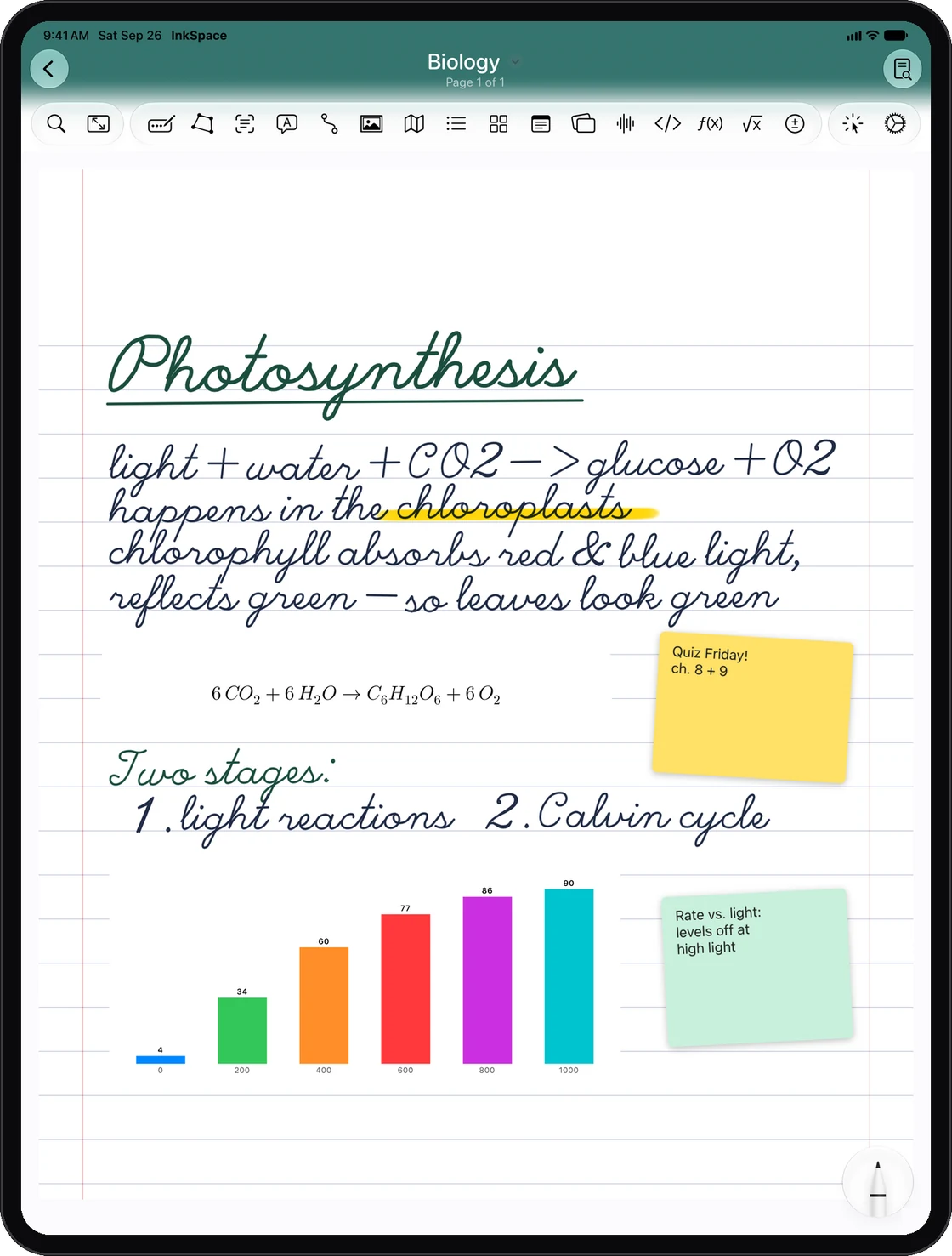
Record a lecture while you write, then play it back stroke by stroke.
Audio Synced to Ink
Your handwriting replays in time with the recording. Tap any word to jump to that moment.
Auto-turn pages
Playback turns the pages for you, so the notes follow the recording.
Summarize a recording
Get the key points of a recording, each linked to the moment it was said.
PDFs and books
Bring in documents and books, then mark them up, sign them and share them safely.
Import PDF or EPUB
Import PDFs and DRM-free EPUB books as a Document or a Book, with the first page as the cover.
Highlight
Highlight text right on the PDF page.
Fill Form
Type straight into a PDF’s form fields.
Sign
Save your signature and drop it onto any page.
Contents
Jump around long documents with the PDF’s own table of contents.
Search inside PDFs
Library search now finds the printed text inside your PDFs.
Scan Document
Scan paper with your camera. The scanned text is readable and searchable.
Redact on export
Black out sensitive text before you share, including handwriting found on the page.
Watermark on export
Add a watermark to exported PDFs.
Make it yours
New ways to style your notebooks, pages, photos and Home Screen.
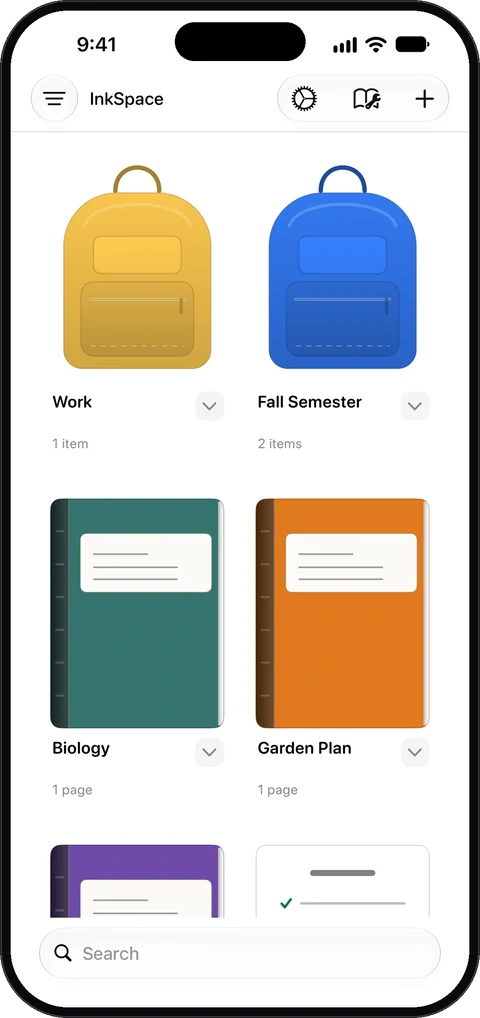
Cover Designs
New notebook cover designs, plus a Covers tab in the Custom Template Lab to make and share your own.
Paper Textures
Give your pages a real paper feel.
Photo Frames & Filters
Frame and filter the photos on your pages.
App Icons
Pick a new Home Screen icon: Nib, Monogram, Loop, Dog-ear, Notebook or Pencil.
Pages and organization
Link your ideas, see who changed what, and keep everything safe.
Linked From
See every page that links to the one you are on.
Page Graph
See how your pages connect to each other.
Page Activity
See who edited a page and when. Version History now shows who made each version.
Arrange
Bring to Front, Send to Back, and place objects in front of or behind your ink.
Hold to straighten
Draw a shape and hold your pencil to snap it straight, with better rectangle and circle detection.
Back Up Library
Back up your whole library to a file and restore it anytime from Settings.
Page Only on Display
Show just the page on an external display or over AirPlay while you present.
Study tools
Quiz Sets now help you review at the right time.
Review Due Cards
Quiz Sets schedule each card for review, so you study the ones that are due.
Widgets
InkSpace on your Home Screen, Lock Screen and Control Center.
Recent Notebooks widget
Small, medium and large Home Screen widgets, plus Lock Screen widgets. Locked notebooks stay hidden.
New Notebook widget
Add the New Notebook widget to Control Center, the Lock Screen or the Action button to start a notebook in one tap.
Fixes and improvements
Smoother writing, and erasing that sticks.
- Erased ink no longer comes back after reopening a notebook.
- Erasing right before a quick page swipe is now saved.
- Erasing in the Magnifier is now kept.
- The Magnifier panel drags more smoothly.
Get InkSpace 3.3. Update today.
Update from the App Store to get everything new.