
Release Notes / Version 3.2
Version 3.2The all-new InkSpace.
A complete redesign, three new page objects, new accessibility tools and 38 languages.
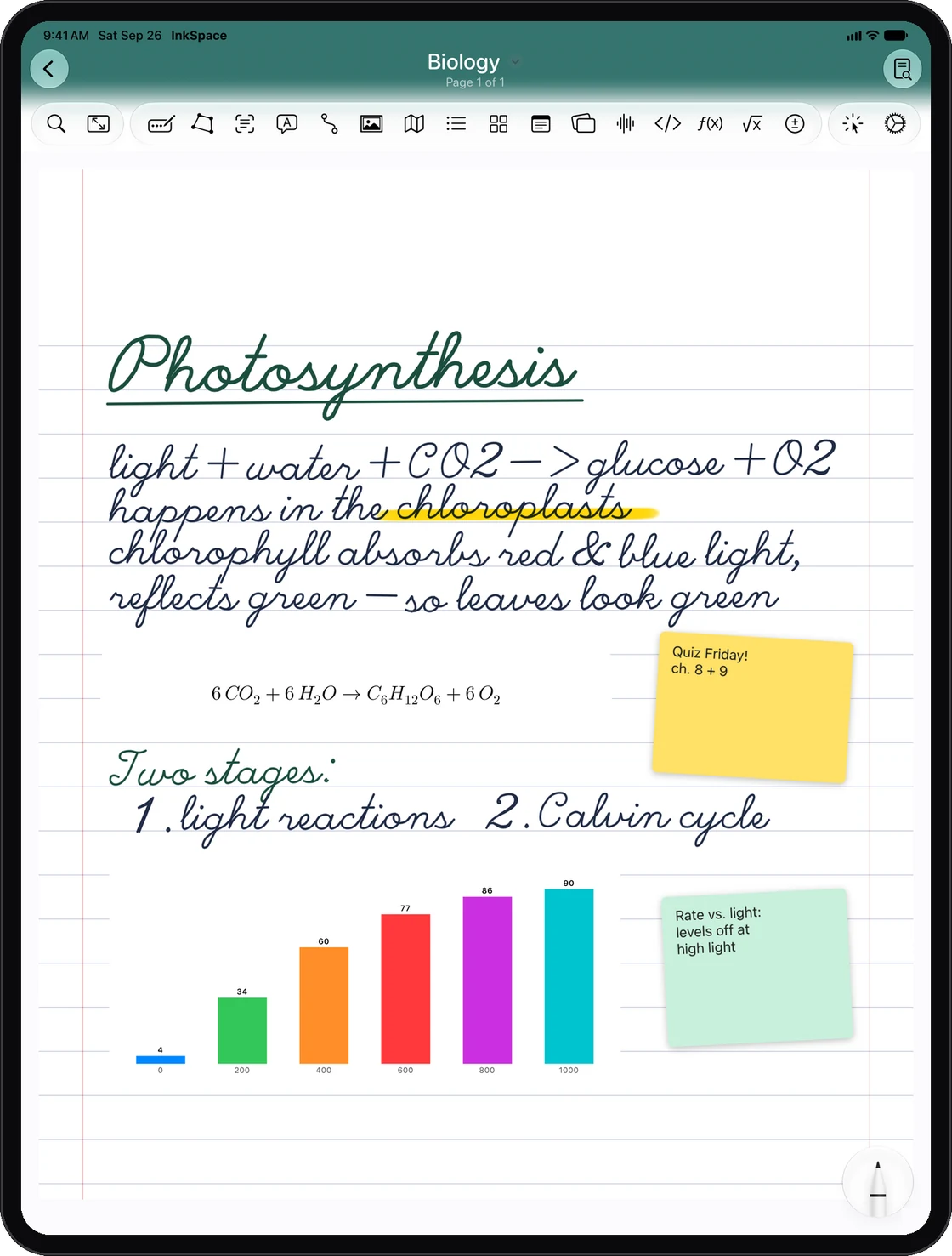
A whole new look
Every screen has been redesigned, from the library to the toolbar.
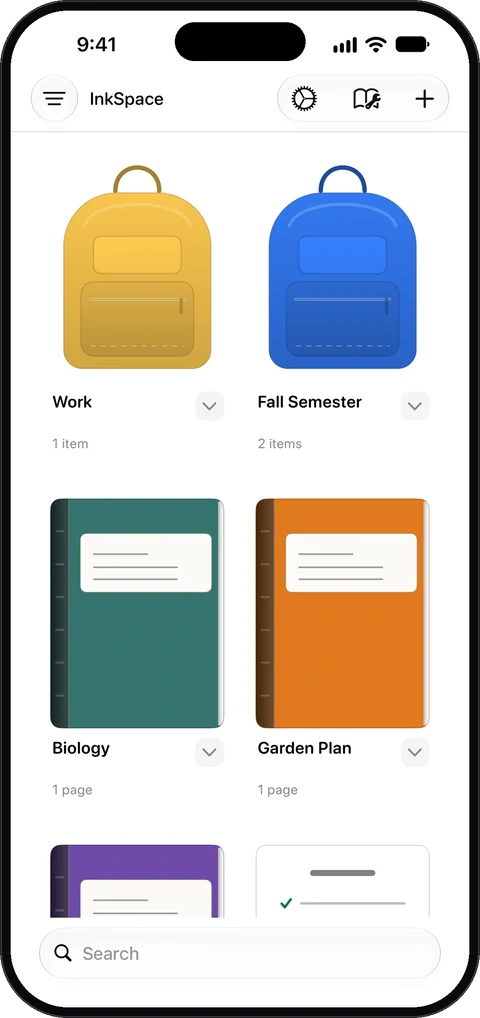
Notebook and backpack covers
Covers are drawn in detail, and a notebook swings open when you step inside.
Redesigned sheets
New sheets for creating notebooks and changing their options.
A new Template Store
Fanned page stacks, with prices shown in your local currency.
New page style picker
Browse page styles by category, plus a reworked Custom Template Lab.
Customize Toolbar
A reworked toolbar you can rearrange any way you like from Settings.
New on the page
Three new page objects, a much bigger shape library and more.
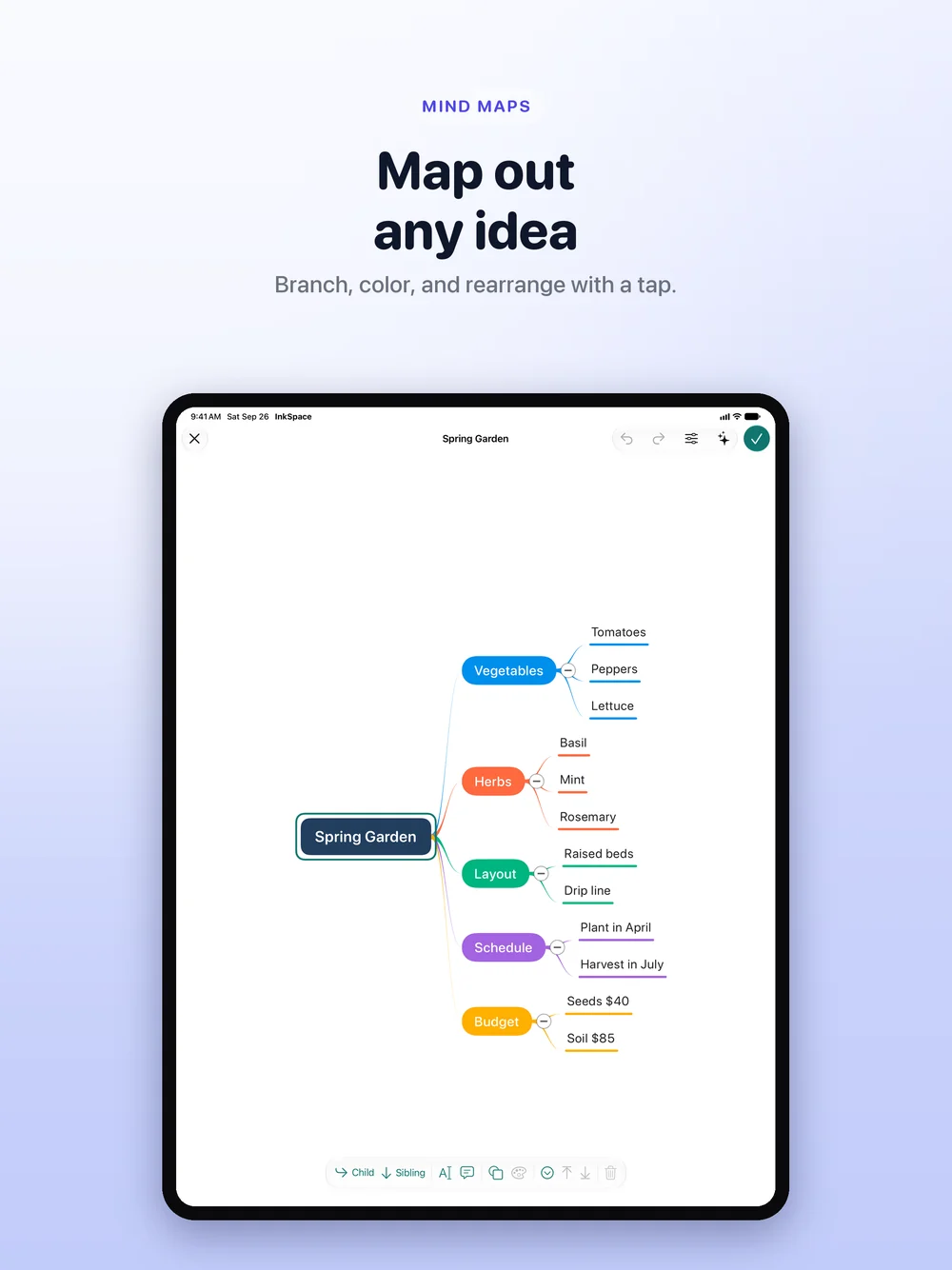
Mind Maps
Branch out an idea on the page, or generate a Mind Map on device.
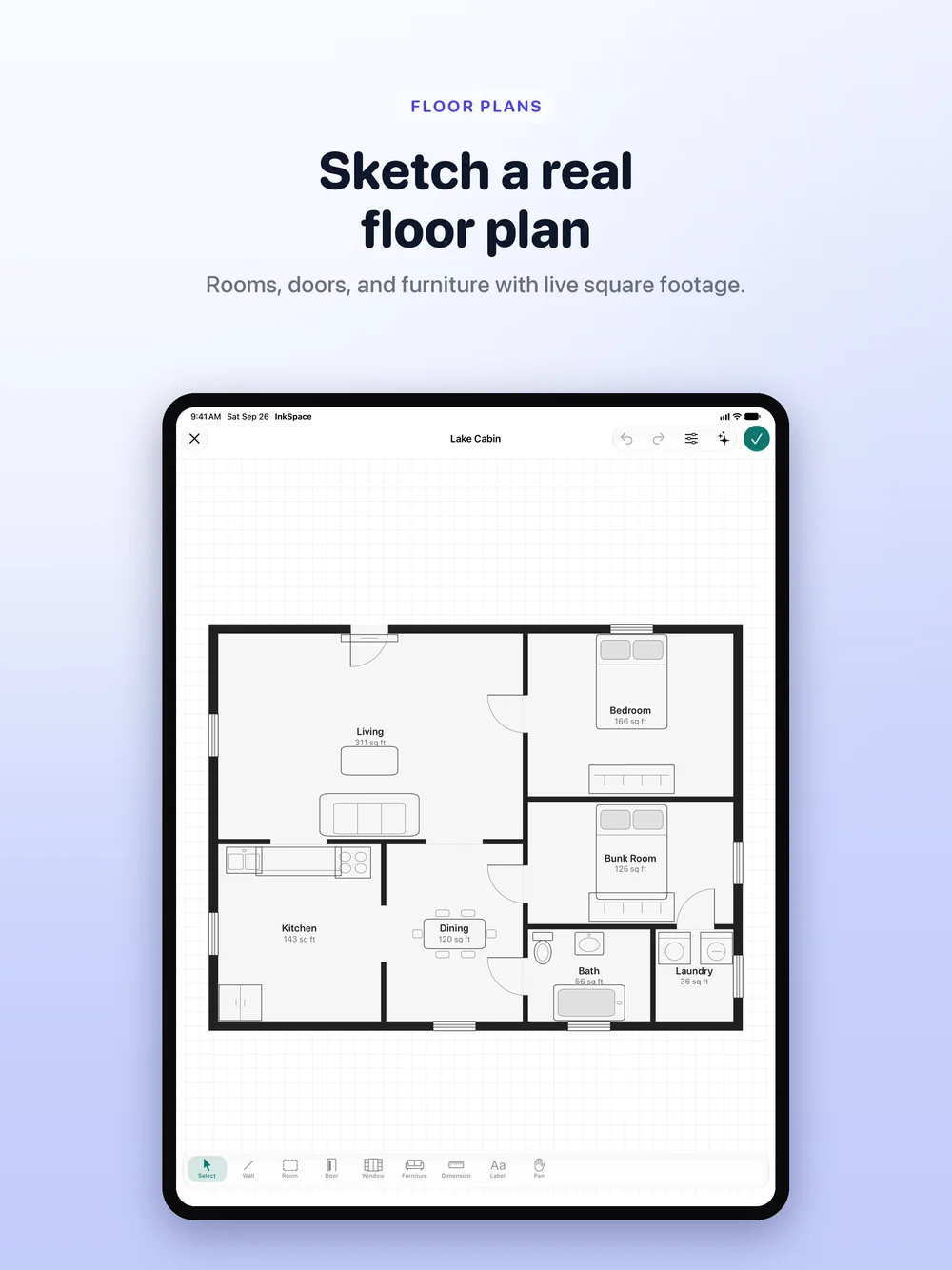
Floor Plans
Rooms, doors and furniture with live square footage. Generate one from a description.
Kanban Boards
Add a Board from the toolbar and move cards across lanes.
Measure
Measure real distances, areas and angles with your camera, using LiDAR where available, and drop the photo onto the page.
160+ shapes
Up from 9, with a new shape picker that remembers your recents. Shapes can now hold text labels.
Free rotation
Rotate objects freely on ink pages.
Transcribe
Turn audio recordings into text, right on your device.
Notebooks and pages
Safer, faster ways to find, restore and share your work.
Trash
Deleted notebooks go to the Trash, so you can restore them.
Version History
Restore an earlier version of any page. Versions sync, and you can turn it off in Settings.
Page Overview
See all pages, or just your bookmarked ones, in a grid.
Drag pages
Drag pages between windows or into other apps.
Live collaboration
See who is in a shared notebook, which page they are on, and whether everything has synced.
Magnifier
Write small, comfortably, in a magnified writing area.
Study tools
Quiz Sets and Study Guides get smarter about what is on your pages.
Redesigned generate sheets
New Generate Quiz Set and Generate Study Guide sheets.
Reads more of your notes
Search, Ask My Notes, Quiz Sets and Study Guides now read Mind Maps, Kanban Boards and Floor Plans too.
Welcome notebook
A guided Welcome notebook that walks new users through InkSpace.
Accessibility
New ways to read, write and navigate InkSpace.
Dyslexia-Friendly Text
The OpenDyslexic font, wider spacing and a Reading Ruler.
Read Aloud
Word-by-word highlighting that works on handwriting too, with your choice of voice and speed.
VoiceOver
Full VoiceOver support for every object on the page.
Dynamic Type
Better support for larger text sizes across the app.
38 languages
InkSpace now speaks 38 languages, and so do its Siri and Shortcuts phrases.
Fixes and improvements
Smaller changes that make a big difference.
- Fixed an issue where a Study Guide that failed to load could lose its saved questions.
- Prices in the app now always match your App Store region.
Get the latest InkSpace. Update today.
Update from the App Store to get everything new.